AI SDR6 min read
What Is an AI SDR? How AI Sales Agents Work
An AI SDR finds prospects, writes outreach and follows up for your sales team. What it does, what it can't do, how it's priced, and how to choose one.
 ReacherPro TeamProduct & growth · Updated
The short answer: an AI SDR (AI sales development representative) is software that does the repetitive half of an SDR's job — finding prospects who match your ideal customer, researching them, writing the first message and the follow-ups, and stopping when someone replies. Your people take over from the reply.
The name borrows from the sales development rep, the person who opens conversations so account executives can close them. An AI SDR doesn't replace that whole role. It takes the parts that are the same every day — list building, research, first-touch copy, chasing — and runs them for every lead on your list, so your team spends its hours on the conversations that come back.
What an AI SDR actually does
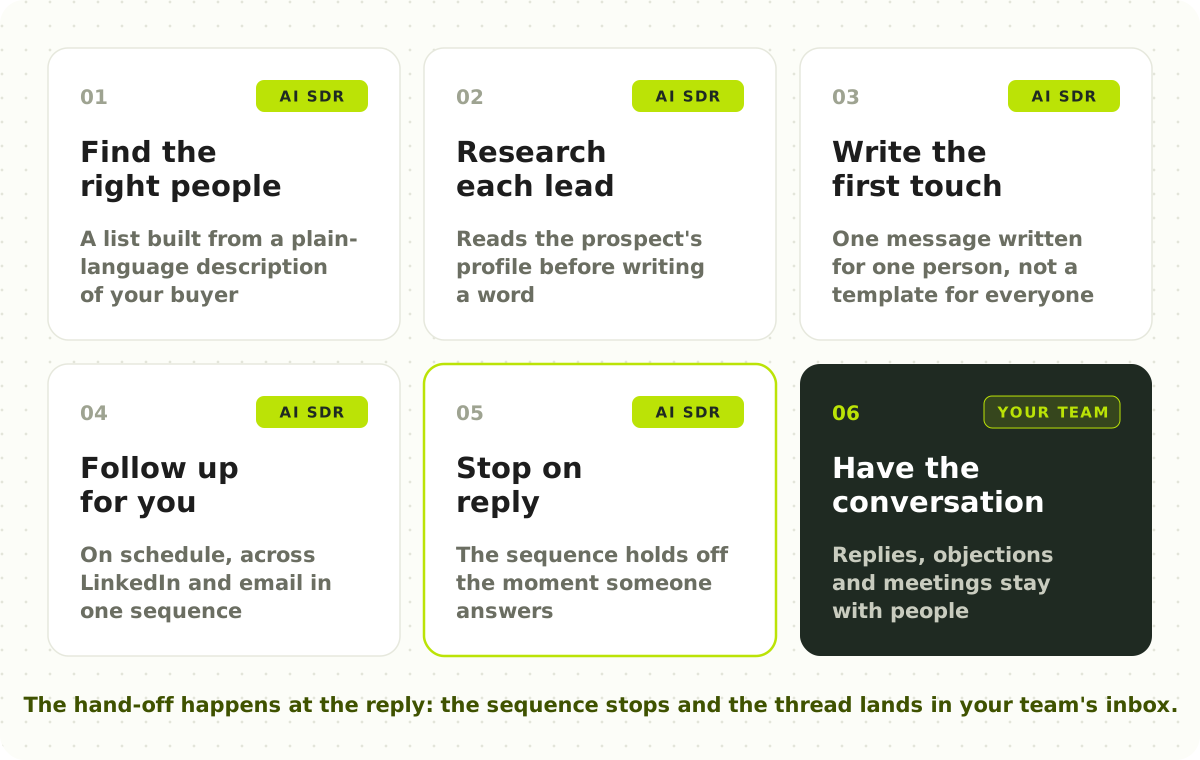
Most of an SDR's week goes on six jobs. An AI SDR can take most of them; the last one stays with people.
| The job | Done by hand | Done by an AI SDR |
|---|---|---|
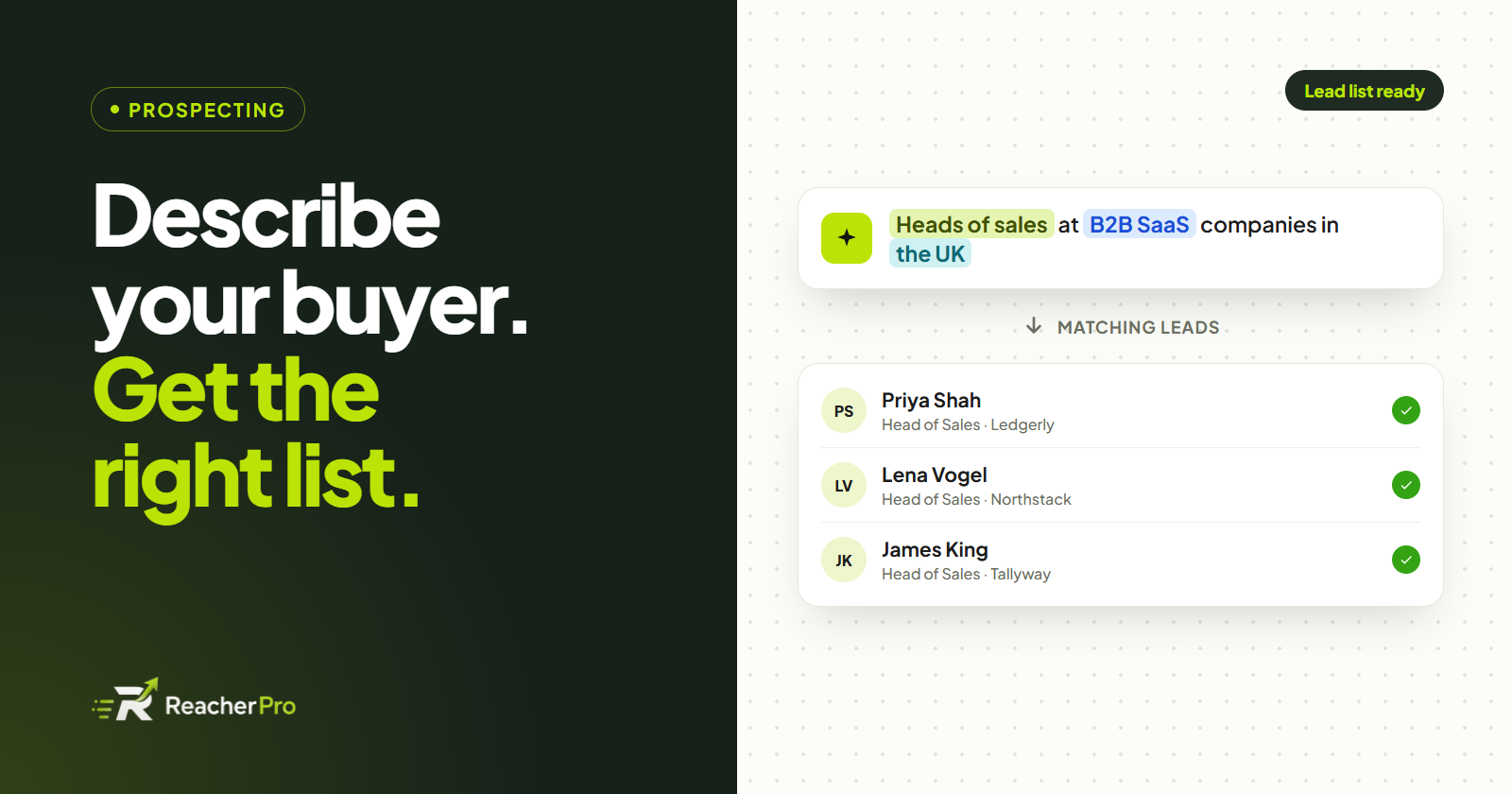
| Find the right people | Search, export and clean a spreadsheet | Builds a lead list from a plain-language description of your buyer |
| Research each lead | Read profiles and company pages, one tab at a time | Reads each prospect's profile before writing to them |
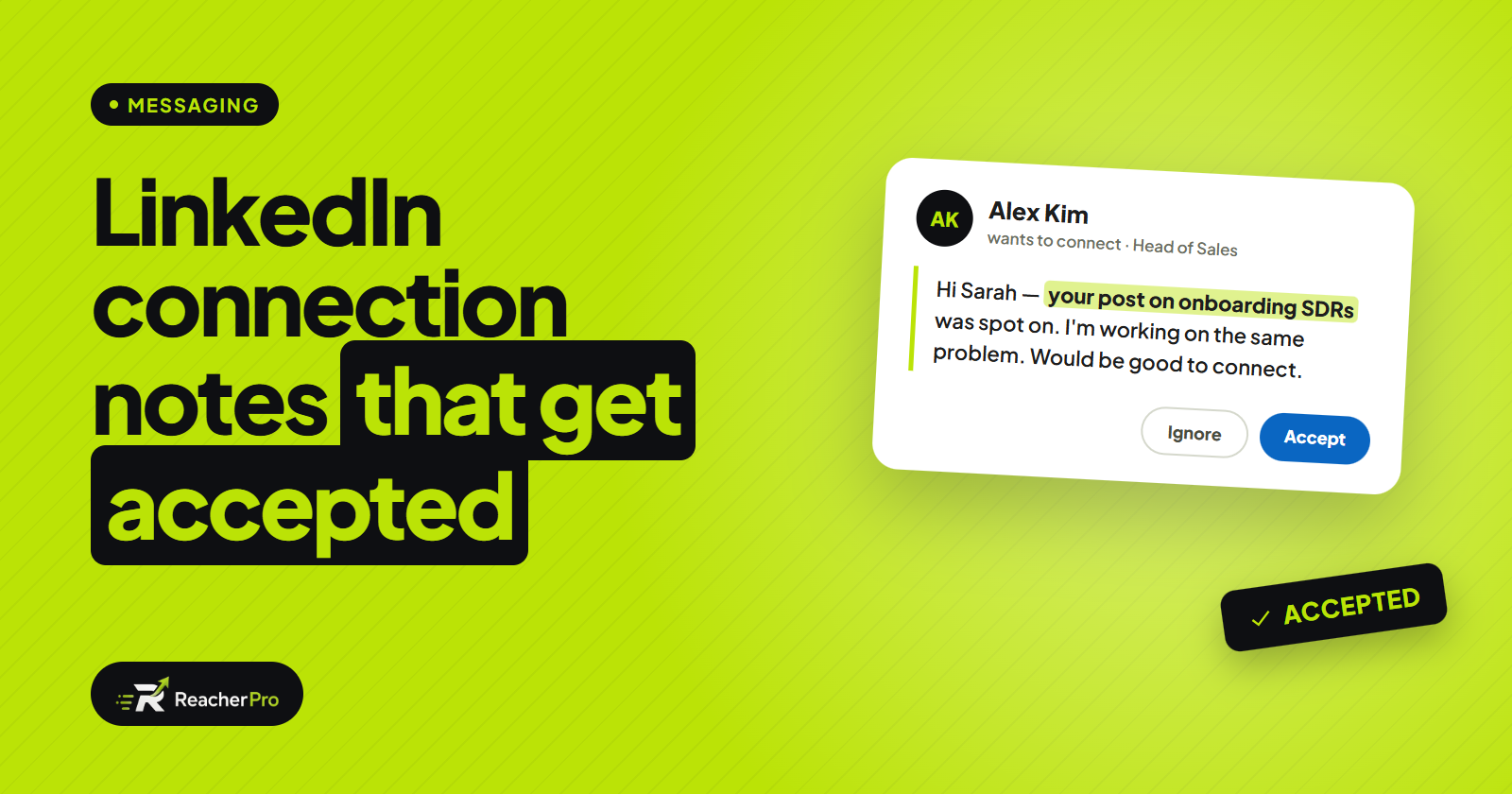
| Write the first touch | One template with a first-name field | A message written for that person, from what they actually do |
| Follow up | Calendar reminders and copy-paste | Runs the sequence on schedule, across channels |
| Stop at the right moment | Easy to miss a reply and nudge anyway | Stops the sequence the moment someone answers |
| Have the conversation | The SDR | Still the SDR — the reply lands in their inbox |
AI SDR vs human SDR
This is the comparison everyone asks about, and it's the wrong framing for most teams. The useful question is which work belongs to which.
| Human SDR | AI SDR | |
|---|---|---|
| Volume | Limited by hours in the day | Limited by the safe sending pace of each account |
| Consistency | Varies with workload and mood | The same care on lead 400 as on lead 1 |
| Research depth | Deep on a few accounts | Good on every account |
| Judgement on replies | Strong — reads tone, handles objections | Weak — should hand off, not improvise |
| Relationships | Builds them | Starts them |
The teams that get the most from an AI SDR keep their reps and change what they do: less research and copy-paste, more time in live conversations and on the accounts that matter most.
What an AI SDR can't do (yet)
Honest limits matter more than features when you're choosing a tool.
- It can't fix a bad target list. If you describe the wrong buyer, it will reach the wrong buyer faster. Start with a sharp description of who you sell to — our guide to writing an AI lead list prompt covers this.
- It can't make a weak offer interesting. Personalized copy gets a message read; it doesn't make people want what you sell.
- It shouldn't run your sales conversations. Some tools let AI answer replies on its own. For most B2B sales, a person should take over the moment a prospect engages.
- It can't ignore platform limits. On LinkedIn especially, the account sending the messages has to stay within a steady, human pace.
AI SDRs on LinkedIn vs email
Many AI SDRs were built for email first and treat LinkedIn as an add-on. The two channels work differently.
- On email, the work is deliverability: warmed-up inboxes, sending domains and spam filters.
- On LinkedIn, the work is account safety and pace: daily limits per sender, sending inside working hours, and messages that don't look automated. Our guide to automating LinkedIn outreach safely goes into detail.
The strongest setups use both in one sequence: a LinkedIn connection first, and an email if the invite isn't accepted — see LinkedIn and email outreach in one sequence.
How to choose an AI SDR: six questions
Ask every vendor the same six questions.
- Where does the lead list come from? Its own search, a contact database, or only lists you import?
- What does the AI write — and from what? A whole message from the prospect's profile, or a single "icebreaker" line in a template?
- Which channels run in the same sequence? LinkedIn, email, or both — and is email built in or a separate tool?
- What happens when someone replies? The sequence should stop, and the reply should reach a person.
- How is it priced? Per seat, per sender account, or by lead volume — and are AI credits extra?
- What's included on the entry plan? Check whether the inbox, branching and AI writing sit behind a higher tier.
How much does an AI SDR cost?
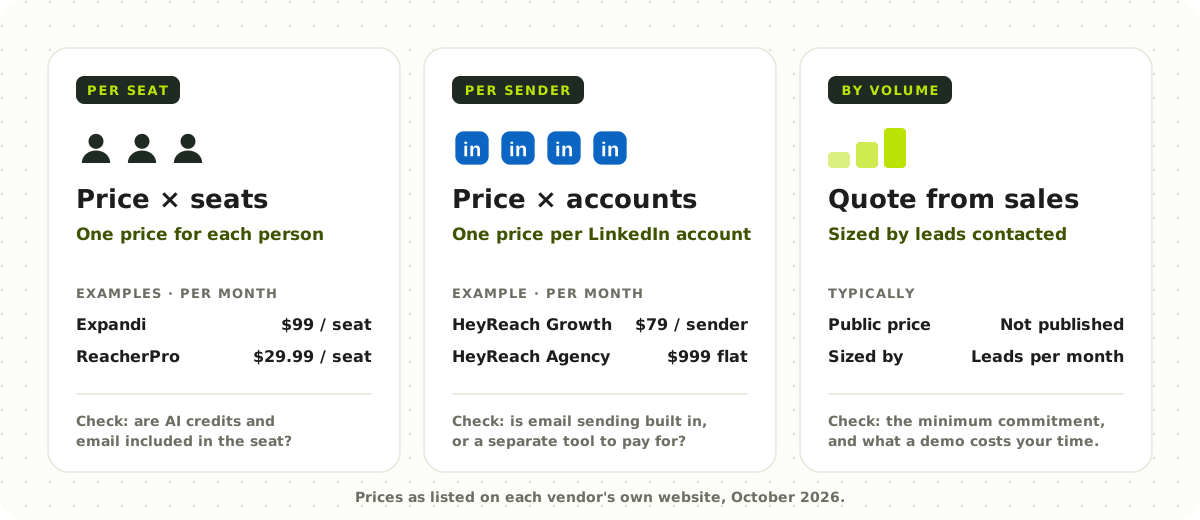
Pricing follows three models. As of October 2026, from each vendor's own pricing page:
- Per seat or per user — a monthly price for each person or account. Expandi is $99 per seat a month, and ReacherPro $29.99 per seat with AI credits included.
- Per sender account — a price for each LinkedIn account that sends. HeyReach is $79 per sender a month on its Growth plan, or a flat fee for many senders.
- By lead volume, through sales — no public price; plans are sized by how many leads you contact.
Compare the total for your team size, not the headline price, and check whether AI credits, email inboxes or the shared inbox are add-ons. Our comparison of LinkedIn automation tools puts six of them in one table.
Where ReacherPro fits
ReacherPro is an AI SDR for LinkedIn and email. It builds the lead list from a description of your buyer, writes every connection note and follow-up from the prospect's own profile, runs LinkedIn and email steps in one branching sequence, and stops the moment someone replies — handing the thread to one shared inbox for your team.
It's built to support your SDRs rather than replace them, and it's priced per seat with every feature and AI credits included. ReacherPro is in early access: join the waitlist or book a call to see it on your own outbound.
Frequently asked questions
Is an AI SDR the same as an AI sales agent?
Mostly, yes. "AI SDR", "AI BDR" and "AI sales agent" are used for the same kind of tool: software that prospects and follows up for a sales team. "SDR" and "BDR" point at the prospecting part of the job specifically.
Will an AI SDR replace my SDRs?
For most teams, no. It replaces the repetitive work — research, list building, first-touch copy and follow-ups — so the same team can run more conversations. People still handle replies, objections and meetings.
Is it safe to use an AI SDR on LinkedIn?
It can be, if the tool keeps a steady pace: daily limits for each sender account, sending only inside working hours, and messages written for each person rather than one template. A tool that enforces those limits for you is safer than relying on people to remember them.
How long does it take to set up?
With most tools, the first campaign can go live the same day: connect a sender account, build or import a list, lay out the sequence and review what the AI writes. Getting the targeting right usually takes longer than the setup.