Outbound strategy4 min read
LinkedIn and Email Outreach in One Sequence
Why multichannel outreach beats LinkedIn or email alone, and how to build one sequence that uses each channel at the right moment.
 ReacherPro TeamProduct & growth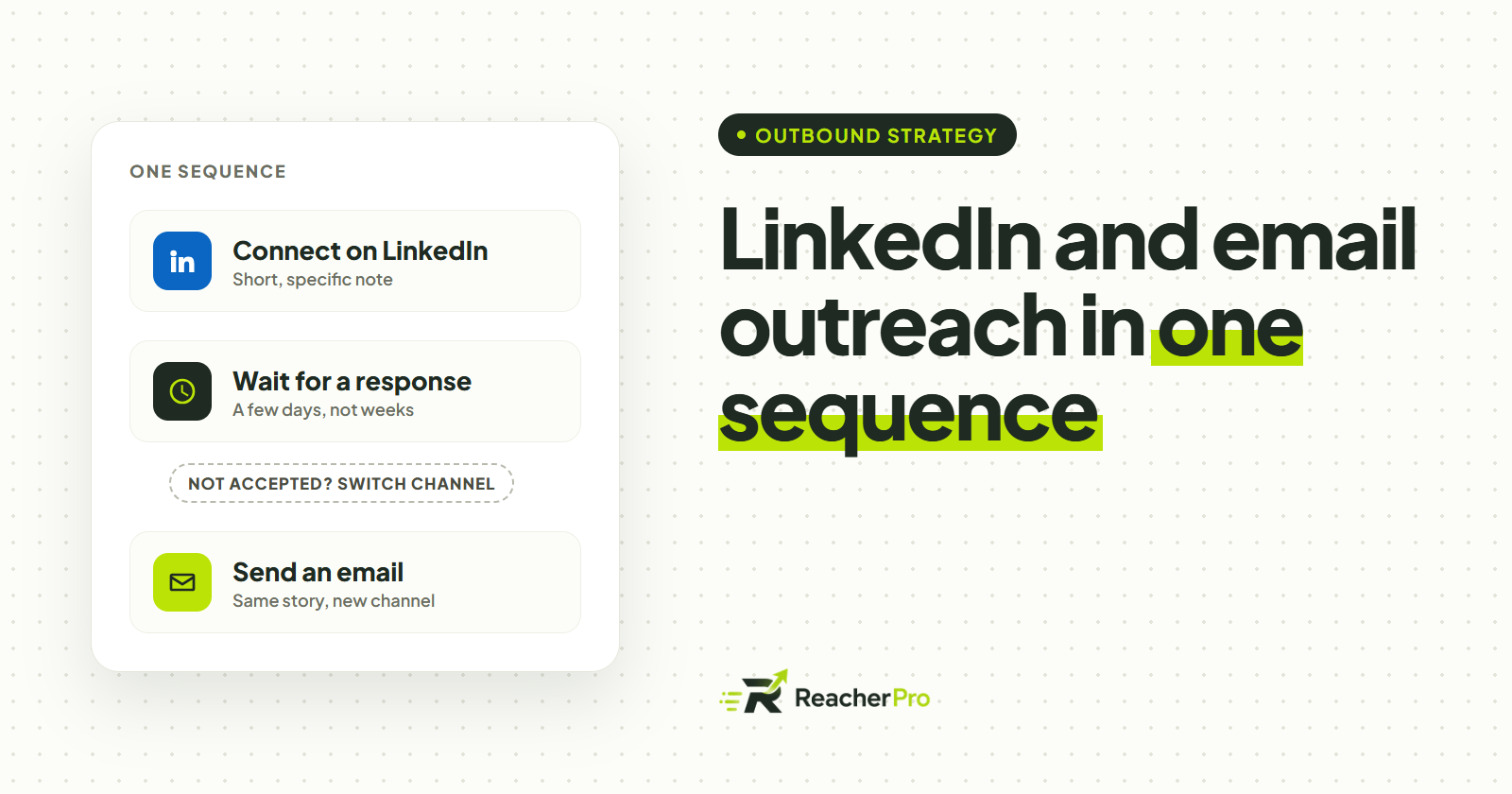
Most outbound teams treat LinkedIn and email as two separate campaigns, run from two separate tools, often by two separate people. The prospect experiences something else entirely: one company reaching out twice, with no sign that either message knows about the other.
The teams that get the most replies run one sequence across both channels, and let what the prospect does decide which channel comes next. This guide shows how to build that.
Why one channel is not enough
Every channel misses someone:
- Not everyone accepts connection invitations. Some people only connect with people they know; others rarely open LinkedIn at all.
- Not everyone reads cold email. A busy inbox buries a first message from a stranger, however good it is.
- People have a preferred channel. Some prospects answer a short LinkedIn message within minutes and never reply to email; for others it is the reverse.
Running both channels in one sequence means a prospect who never sees one channel still hears from you on the other — without being contacted twice in the same day.
Give each channel a job
The two channels are good at different things, so give each one a clear role instead of copying the same message into both.
| Channel | Best for | Avoid |
|---|---|---|
| Warming up, short personal notes, starting a relationship | Long pitches and attachments in a first message | |
| Context, detail, a clear ask, reaching people who did not connect | Sending the same text you already sent on LinkedIn |
A useful rule of thumb: LinkedIn earns attention, email carries the detail.
Build the sequence around what the prospect does
A good multichannel sequence is not a fixed timetable. It branches on what each prospect actually does, so nobody gets an email asking them to connect after they already have.
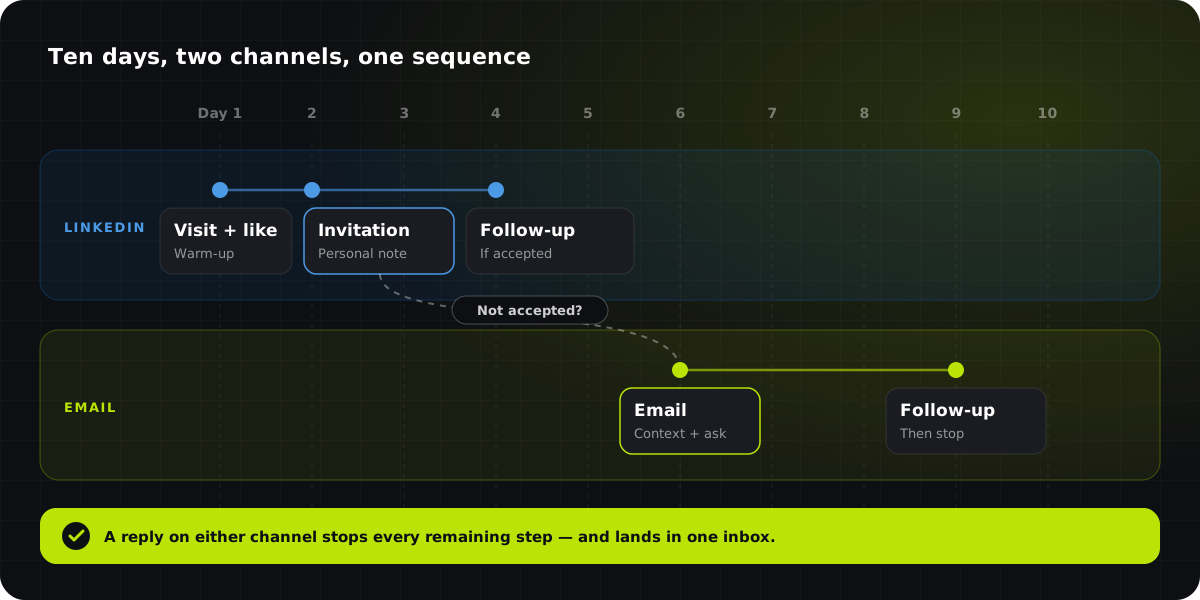
Here is the shape that works for most B2B teams:
- Warm up on LinkedIn. Visit the prospect's profile and engage with a recent post.
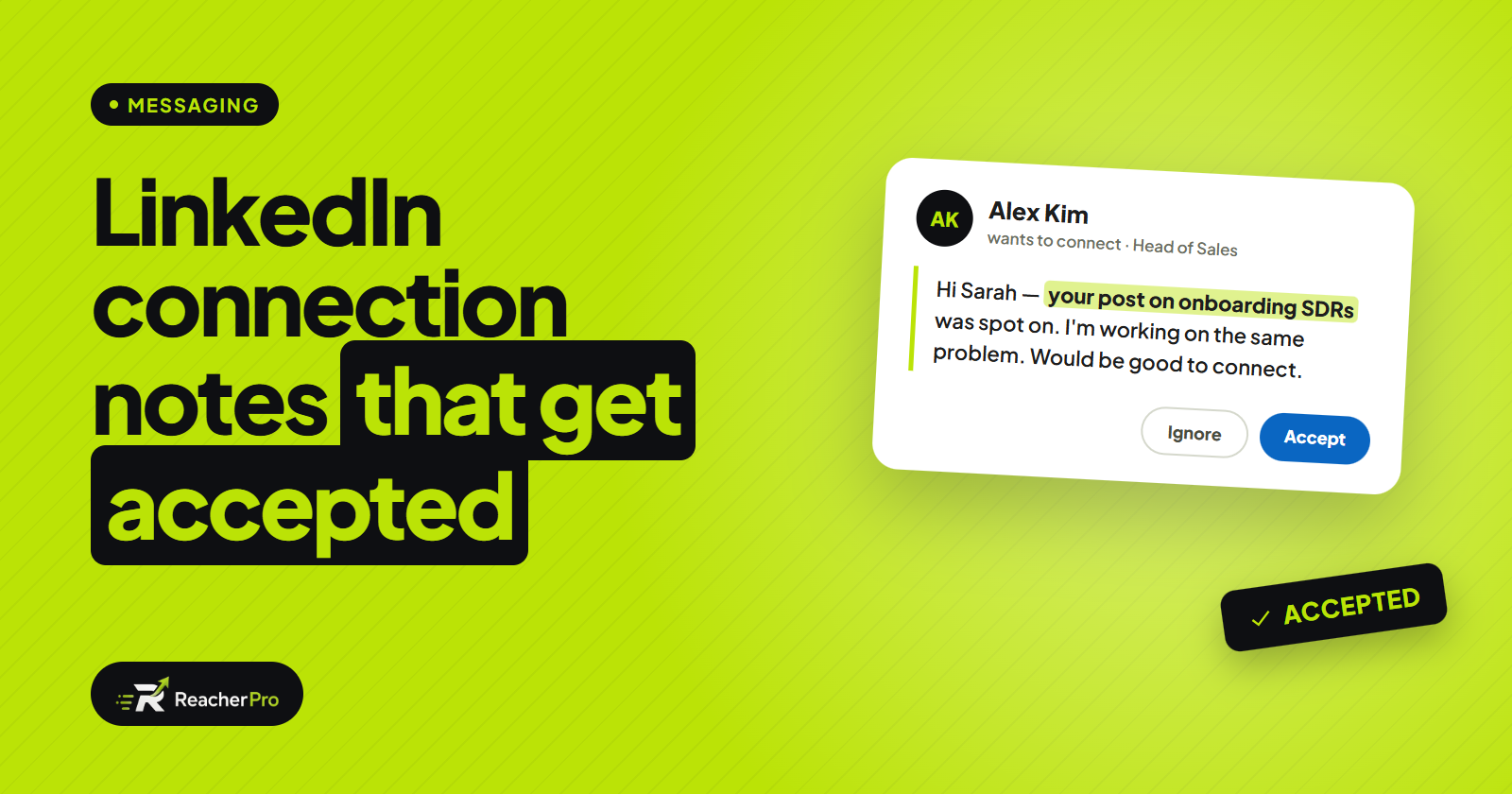
- Send a connection invitation with a short note written for that person.
- If they accept, continue on LinkedIn with a follow-up message.
- If they have not accepted after a few days, withdraw the invitation and move to email.
- If the email gets no reply, send one follow-up email — then stop.
- If they reply anywhere, end the sequence and hand the conversation to a person.
Keep the message consistent across channels
The prospect should feel one conversation, not two campaigns. When a sequence moves from LinkedIn to email, the email should read like the next step, not a fresh start:
- Refer back naturally — "I tried to connect on LinkedIn last week" is honest and gives context.
- Keep the same core reason for reaching out, but say it differently. Repeating a LinkedIn note word for word in an email looks automated.
- Let each message stand on its own. Some prospects will only ever see the email.
Stop everywhere the moment they reply
This is the rule multichannel outreach breaks most often. If a prospect replies on LinkedIn, the email follow-up scheduled for tomorrow must not go out. That only works when both channels live in the same sequence, so a reply on either one ends the whole thing — and the conversation lands in one inbox your team actually watches.
Respect each channel's rules
Each channel has its own limits, and combining them does not remove any of them:
- LinkedIn: keep a steady daily pace per sender account and stay inside working hours. Our guide on how to automate LinkedIn outreach safely covers this in detail.
- Email: send to accurate addresses, from a properly set up sending domain, and always give people an easy way to opt out. Follow the email rules that apply where you and your prospects are.
Measure the sequence as a whole
Judging each channel separately hides what is actually working. Look at the sequence end to end instead:
- Replies per prospect, whichever channel they came from.
- Which branch produced meetings — accepted-and-followed-up on LinkedIn, or switched-to-email.
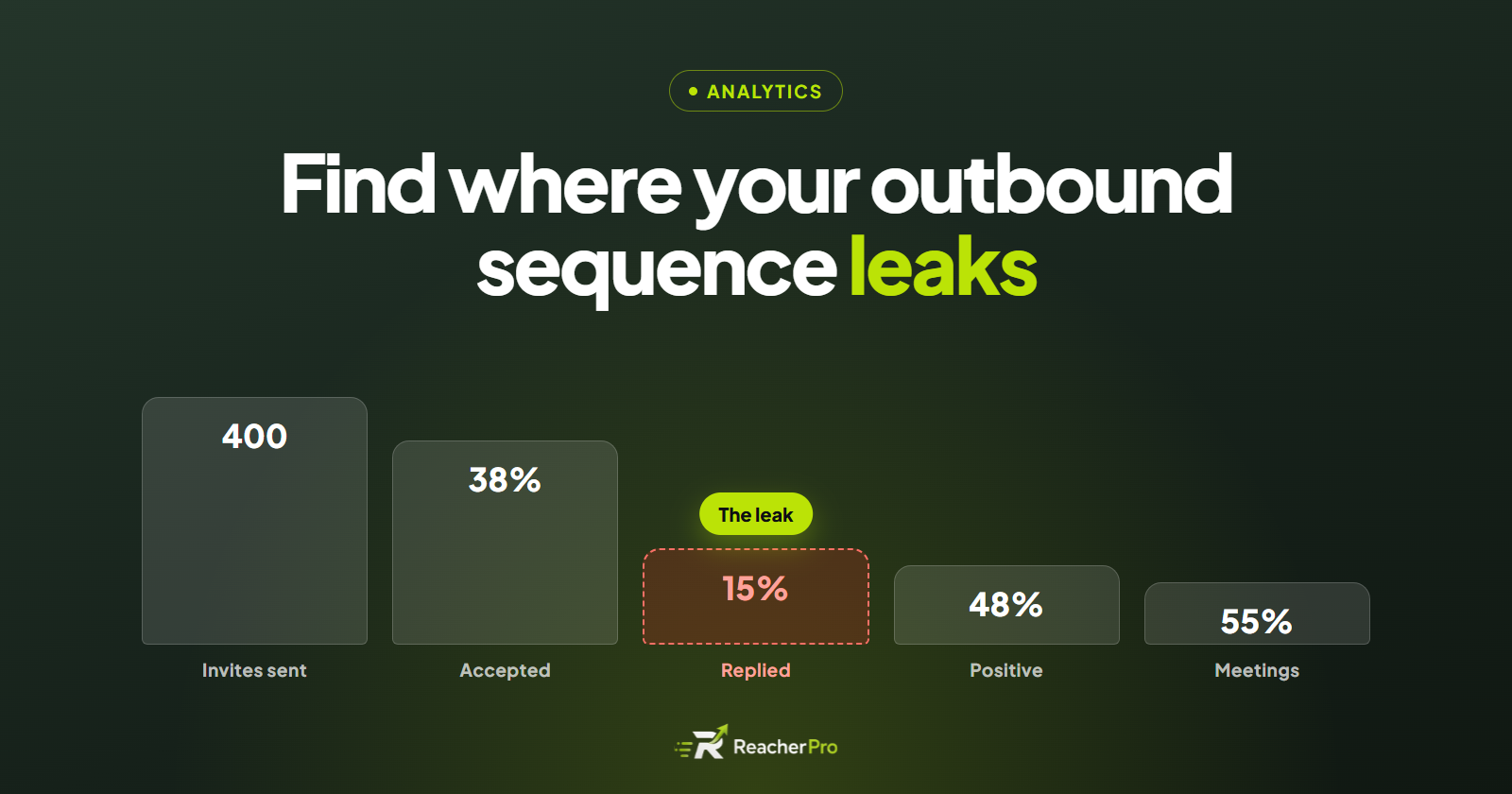
- Where prospects drop off, so you know which step to rewrite first.
How ReacherPro handles this
ReacherPro puts LinkedIn and email steps on the same visual sequence canvas, so a single campaign can visit, connect, follow up and email. Conditions branch on what each prospect does — whether an invitation was accepted, or whether an email was opened or replied to — and the sequence stops for a prospect the moment they reply on any channel. Every reply lands in one Conversations inbox, and the AI drafts each message from the prospect's own profile. See every feature, or read how we keep LinkedIn accounts safe.
One prospect, one sequence, one conversation — on whichever channel they prefer.